


|
Name |
Material You Widgets |
|---|---|
|
Google Play Link |
GET IT ON
Google Play
|
|
Category |
Personalization |
|
Developer |
AppsLab Co. |
| Last version | 2.5 |
|
Updated |
|
|
Compatible with |
Android 12+ |
What is Material You Widgets APK?
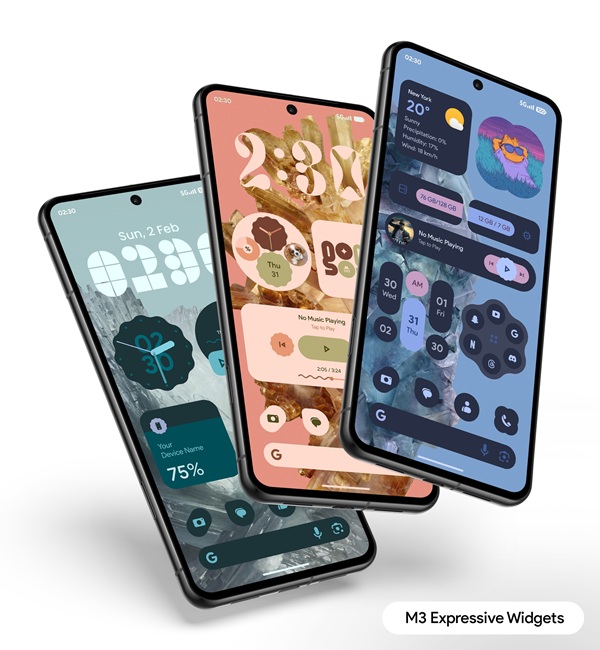
Material You Widgets is a utility app for Android that brings a fresh, customizable look to your home screen without requiring extra tools or complex setup. It delivers a variety of widgets designed to match your device’s Material You theme automatically, making your phone feel more personal and cohesive.
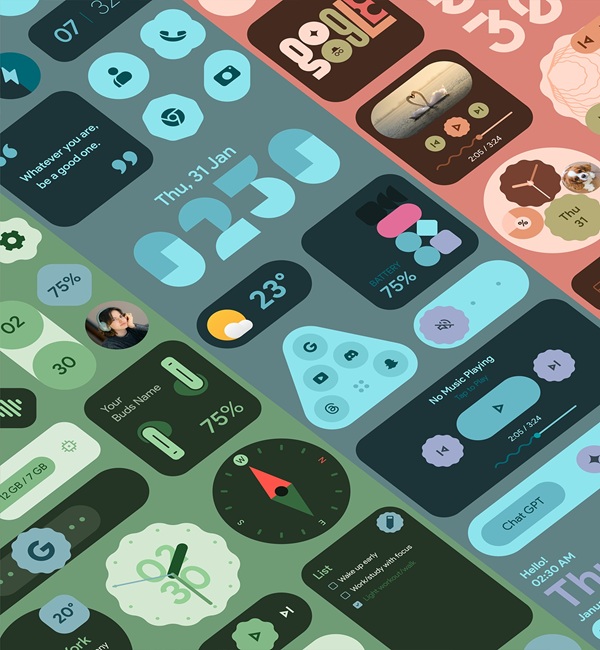
The app’s main purpose is to give users an easy way to add functional and stylish widgets without relying on third-party frameworks like KWGT. From clocks and weather updates to quick settings, photos, and even fun extras like games or quotes, it offers plenty of options to fit different needs and moods.
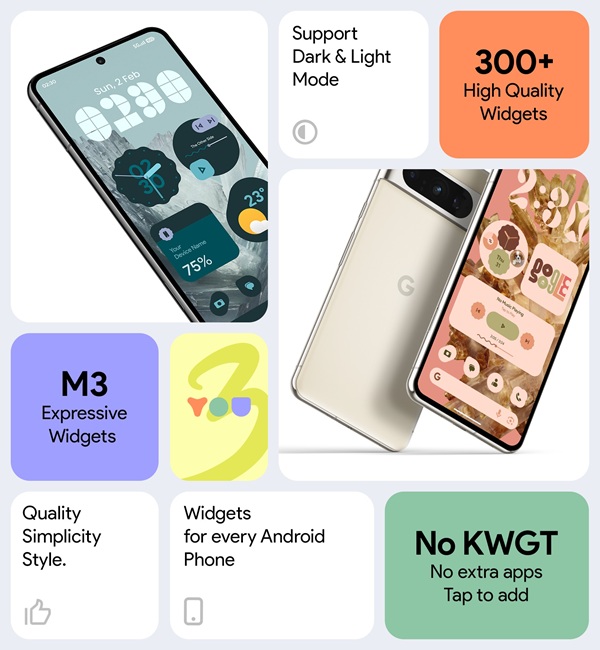
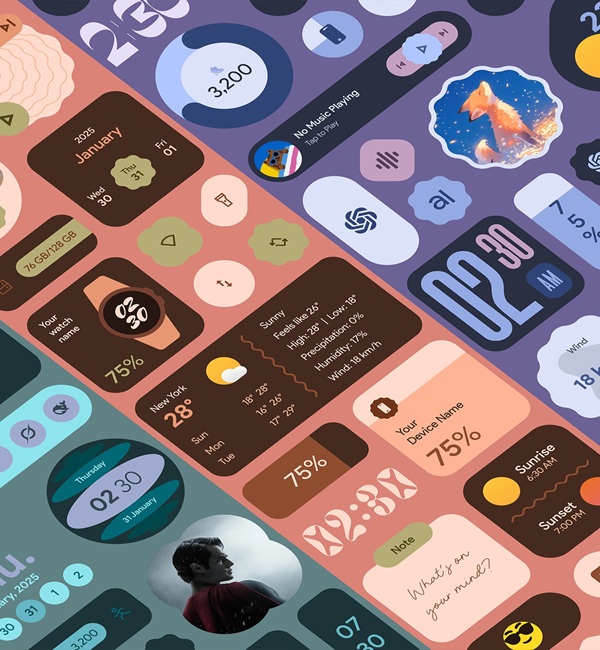
One of its standout traits is variety. With more than 300 widgets covering practical tools such as battery info, location shortcuts, and pedometer tracking, users can set up a home screen that feels both useful and visually appealing. Dynamic shapes and theme-matching wallpapers add another layer of customization, so widgets don’t just work well they look right at home.
Performance is another strong point. The app is optimized for smooth operation and low battery impact, meaning widgets update in real time without slowing down your phone. This is handled through a foreground service, so information stays fresh without you having to refresh manually.
There are a few limitations worth noting. While the app works across all Android devices, the Material You theming features look best on newer Android versions. Some users might also prefer deeper widget customization than what’s offered out of the box.
Material You Widgets suits anyone who likes a clean, modern home screen with functional touches. It’s great for those who want quick access to information and tools without extra taps, and it’s equally handy for users who value matching their phone’s look to their personal style.
FAQs Material You Widgets
What is Material You Widgets?
+
Material You Widgets is an Android app offering 300+ functional and theme-matching widgets to personalize your home screen.
Does Material You Widgets work without KWGT?
+
Yes. It works independently, so you can install and start using widgets right away without KWGT or extra tools.
What types of widgets are included in Material You Widgets?
+
The app offers clocks, weather, quick settings, photos, pedometer, quotes, battery, location, and more.
Does Material You Widgets affect battery life?
+
It’s optimized for efficiency, using a foreground service to update widgets without draining your battery.
Who should use Material You Widgets?
+
It’s ideal for Android users who want a stylish, functional home screen that matches their Material You theme.
Discover More Interesting Apps
-
 Mod
Mod
Niagara Launcher
v1.16.30
13.38 Mb
Updated -
iGlass OS Icon
v7.0
0
Updated -
iGlass OS Colors
v7.0
0
Updated -
NewThing Widgets Pro
v2.7
23.00 Mb
Updated -
Mod
ZEDGE
v9.38.3
114.34 Mb
Updated -
Mod
Lumia Kwgt
v6.0.0
86 MB
Updated -
Mod
Always On Edge
v9.7.5
8.14 Mb
Updated -
Mod
Sticlo Icons
v2.2
25 MB
Updated -
Keys Cafe
v3.11.8
43.25 Mb
Updated -
Mod
Shimeji
v14.0
17.42 Mb
Updated










Share Your Thoughts